SoundCloud to MP3 Converter & Downloader
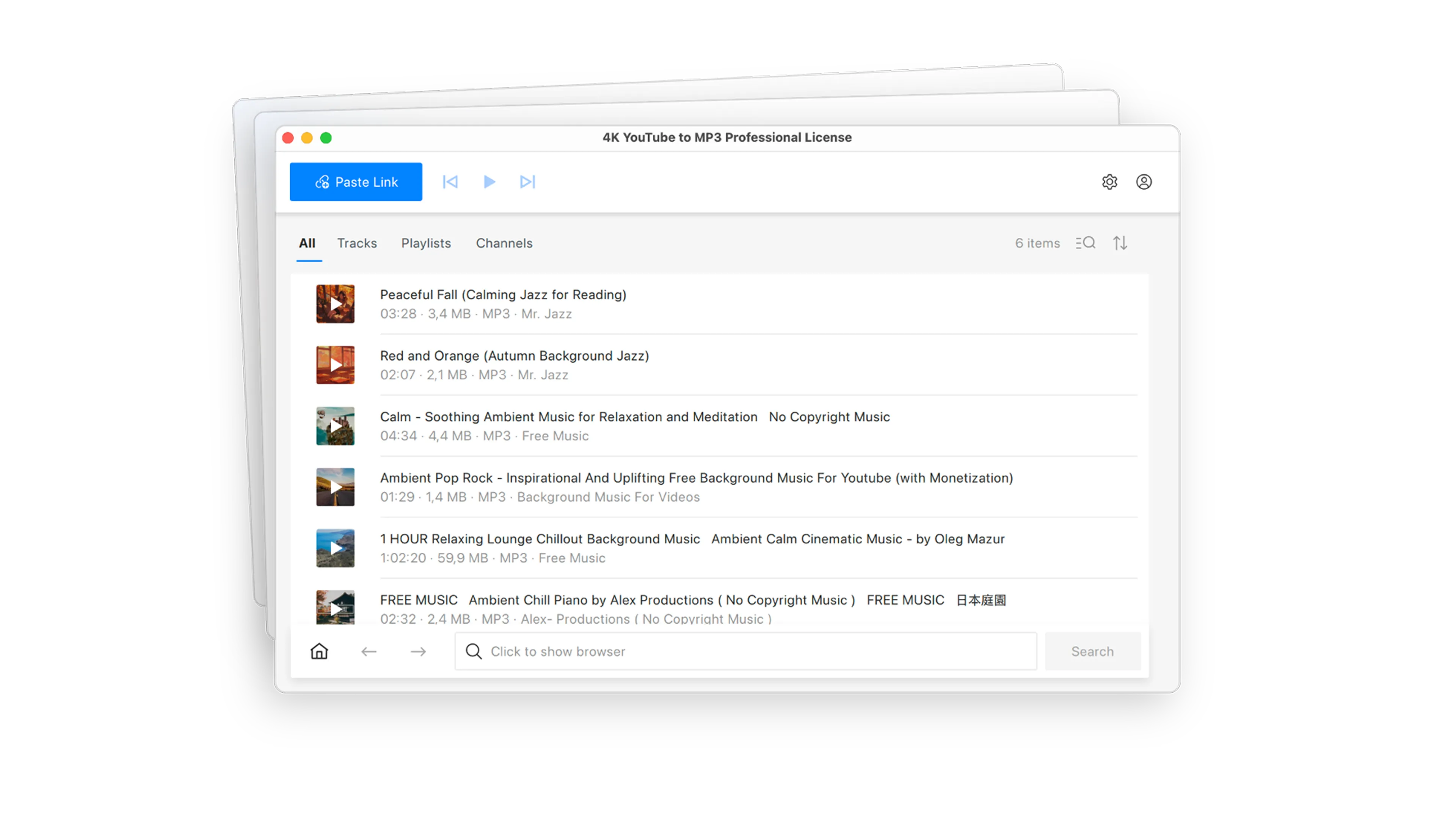
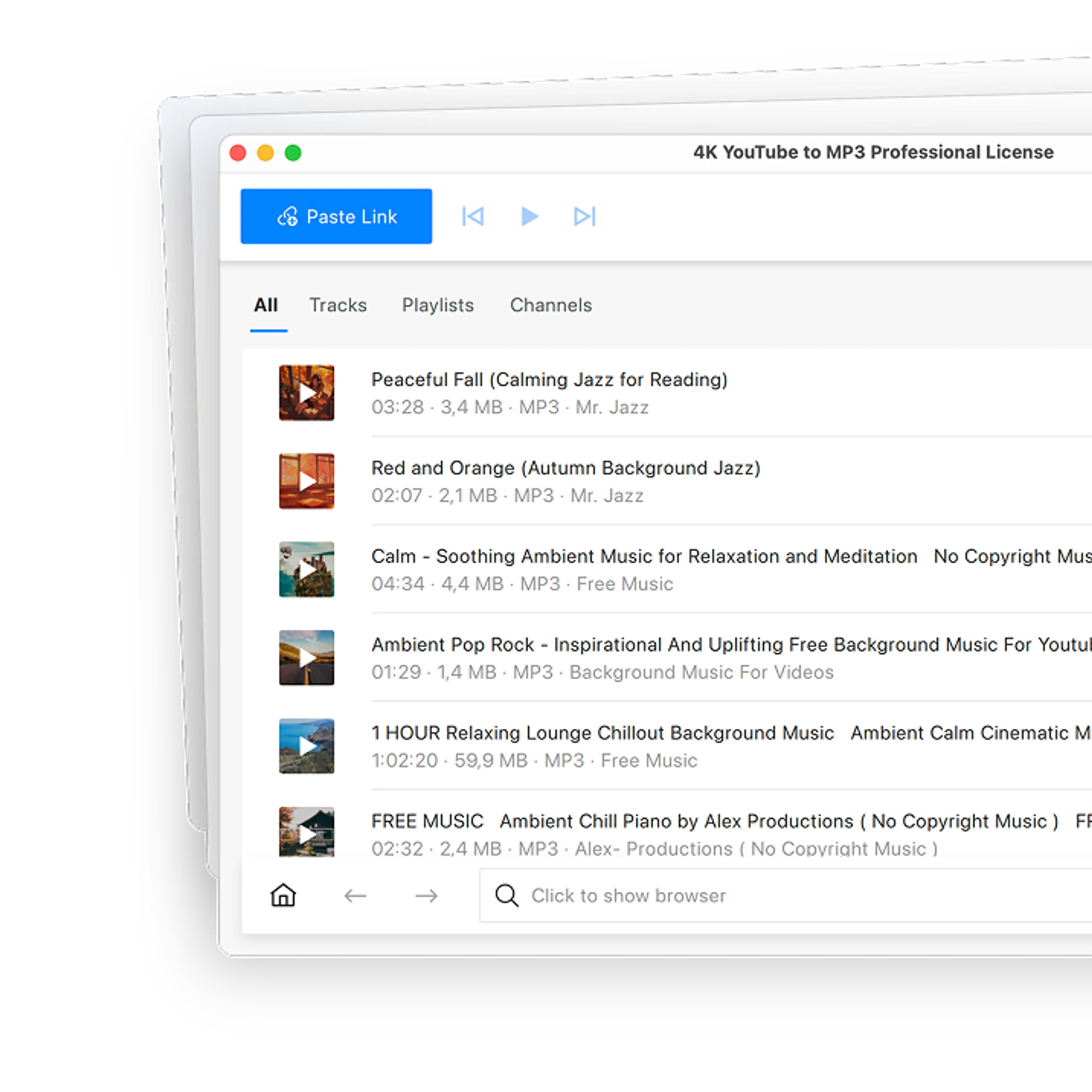
Most SoundCloud tracks can only be streamed, not saved, so they disappear the moment you go offline. 4K YouTube to MP3 is a desktop SoundCloud downloader that saves songs to your computer for offline listening.

4K YouTube to MP3

Over 6 Million
satisfied users worldwide
1000+ Awards
from tech industry PROs
10+ Years
of stable performance




Everything You Can Save from SoundCloud

Download SoundCloud Tracks in High Quality
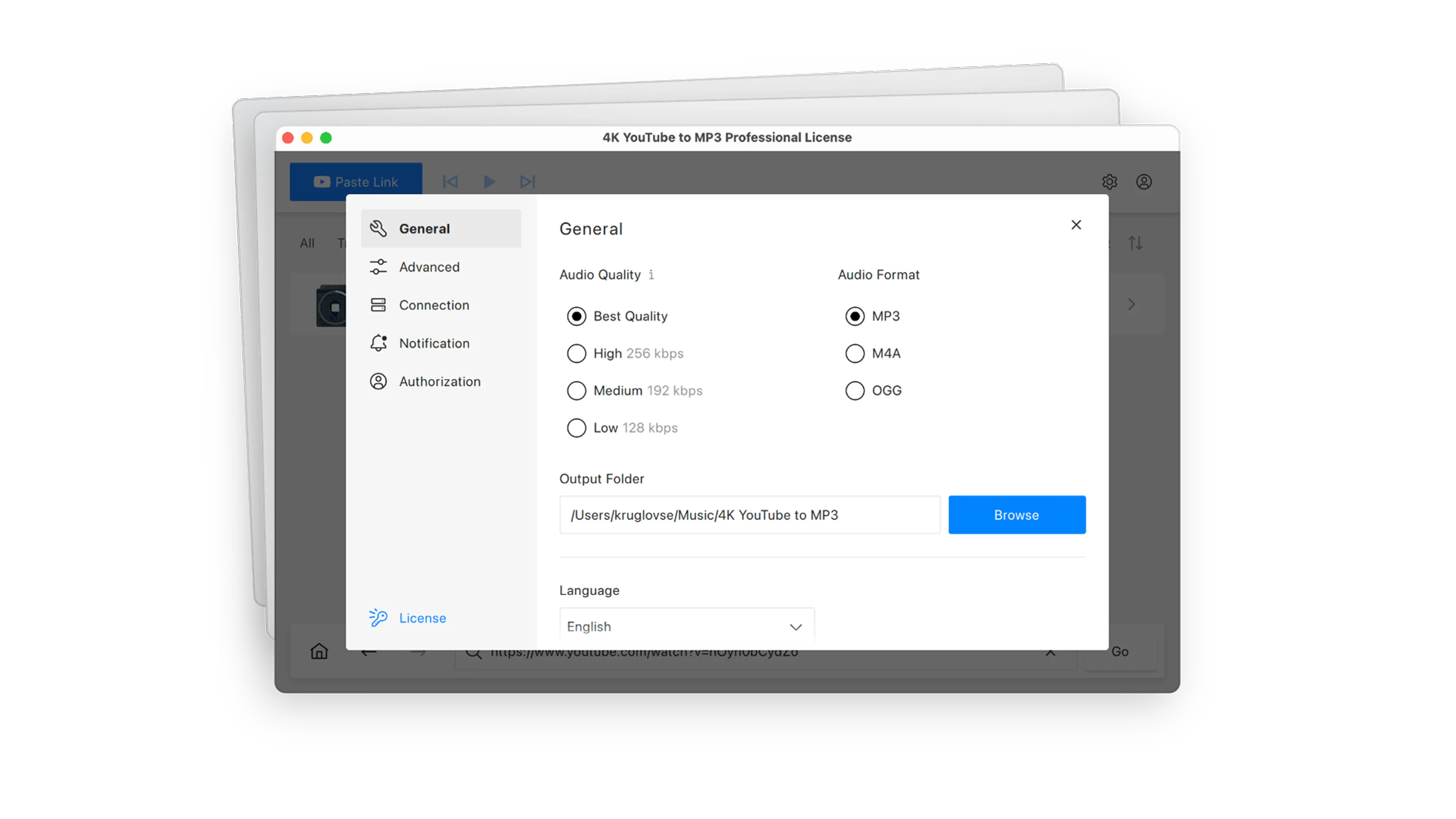
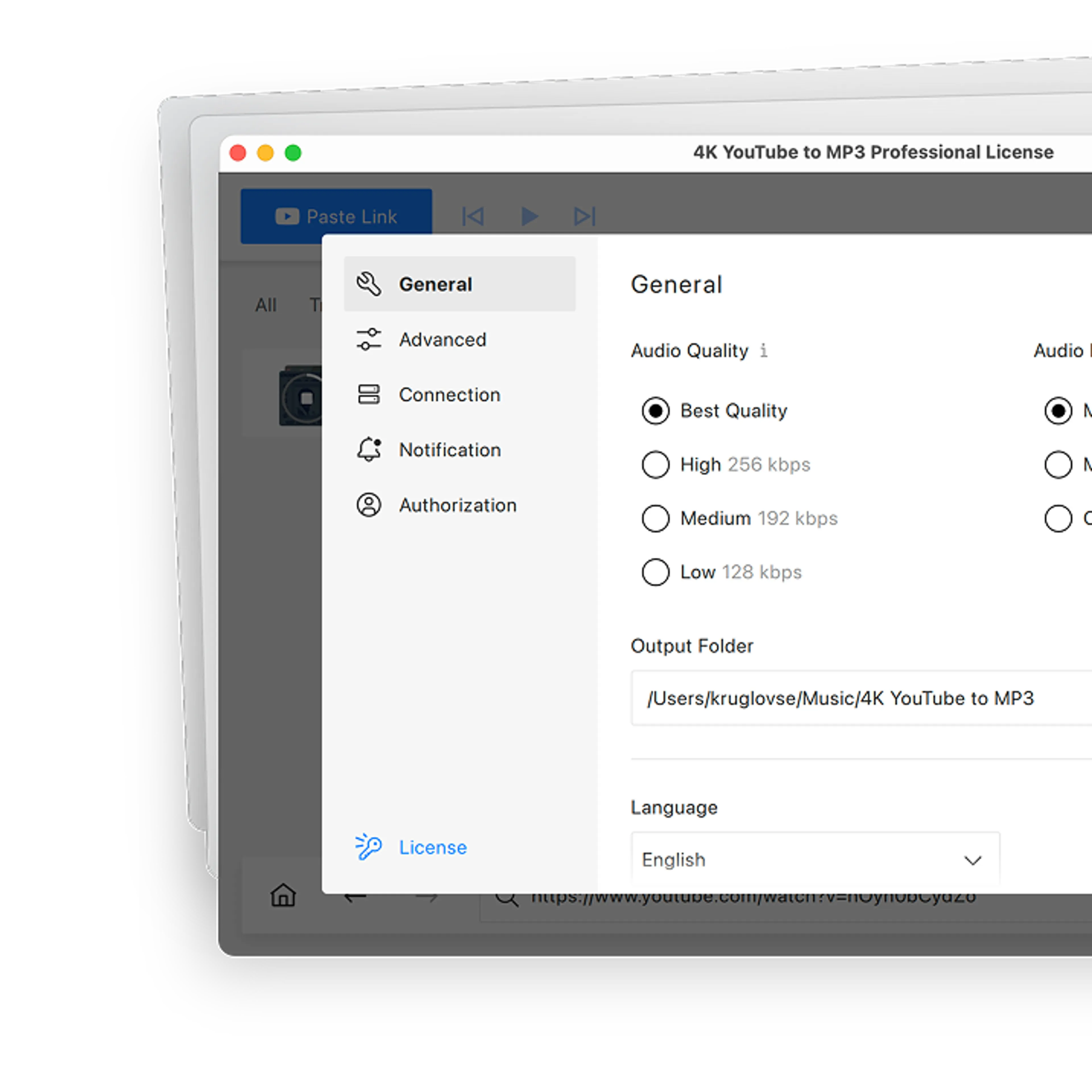
Choose a quality tier up to 256 kbps, or pick Best Quality to match the source with no upscaling. Long mixes and DJ sets download in full, whatever their length.

Download Whole SoundCloud Playlists and Albums
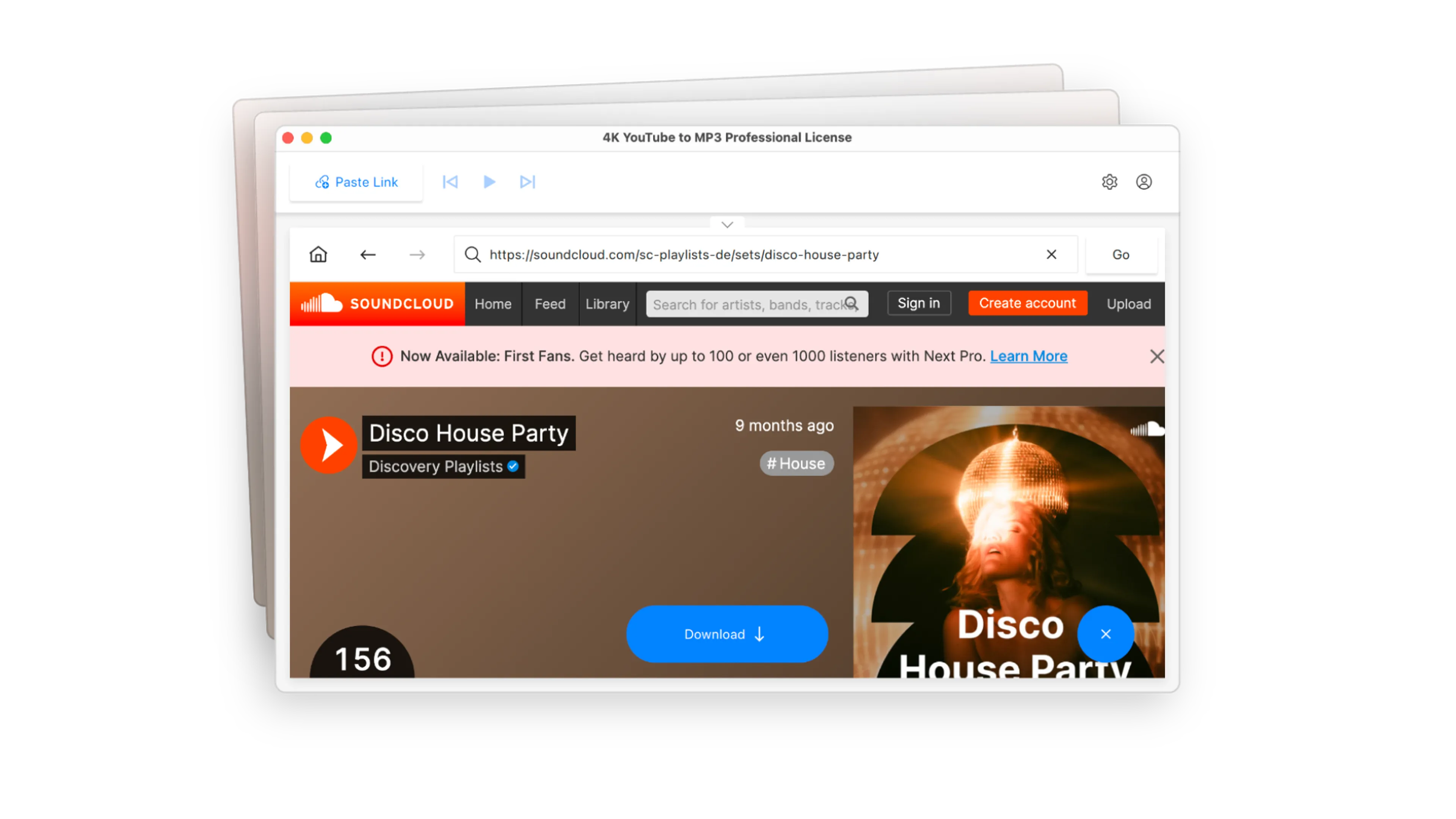
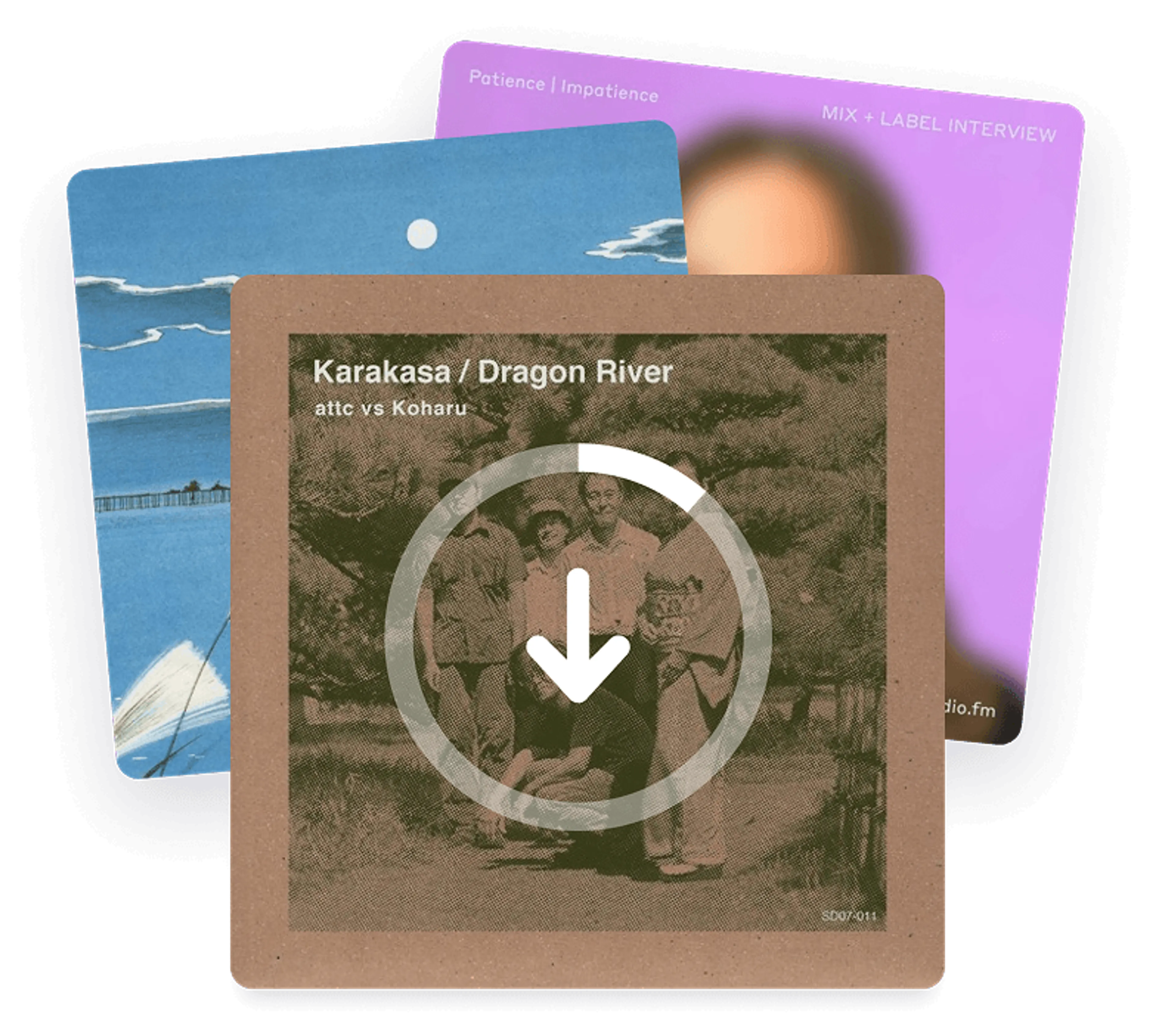
Grab a single track, or download an entire SoundCloud playlist, album, or artist page in one go. No separate playlist downloader needed, and every track lands in your library.

Convert SoundCloud Audio to MP3, M4A, or OGG
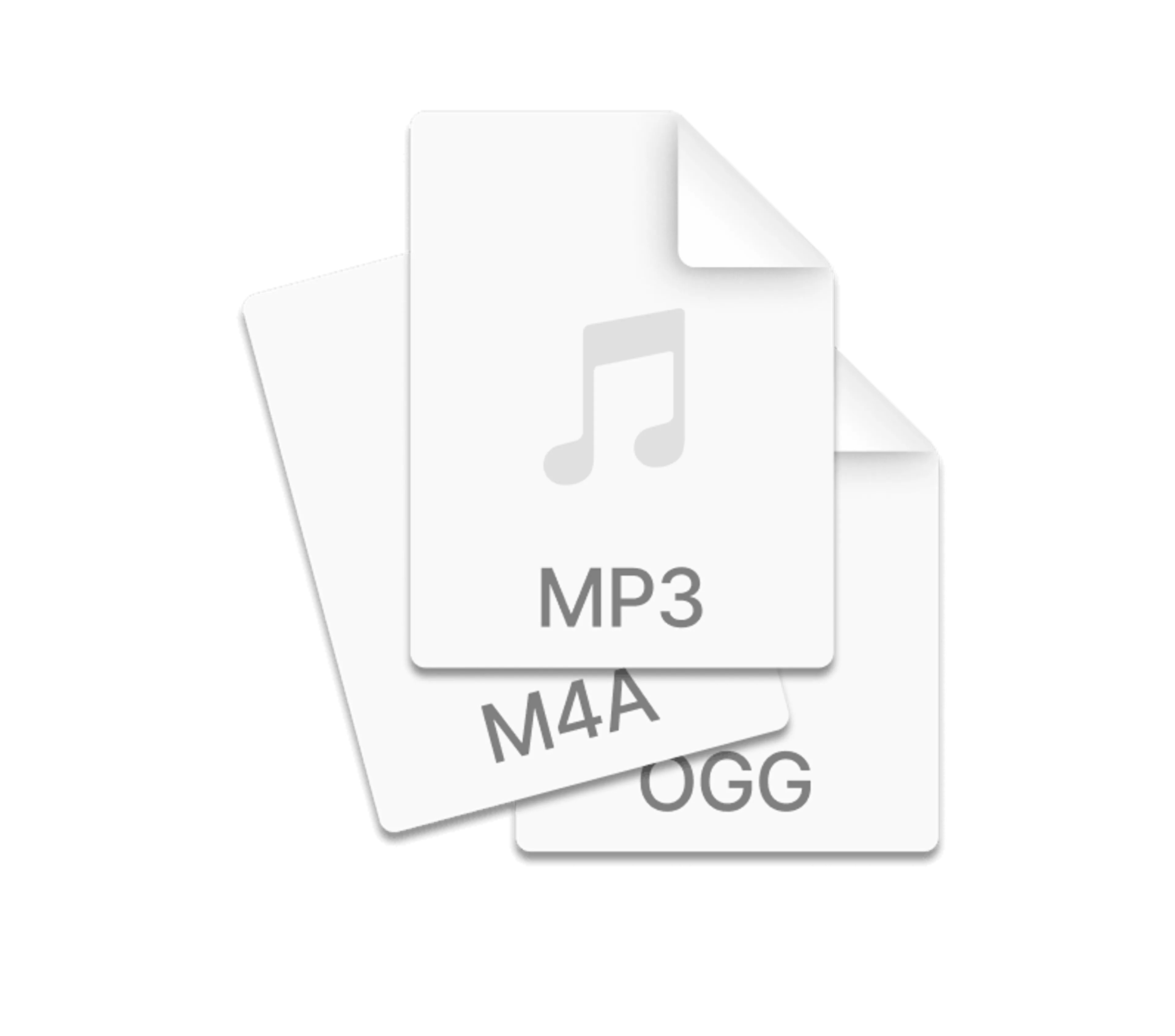
Pick the audio format that fits your player before you download. Convert tracks to MP3 for anywhere, M4A for Apple devices and iTunes, or OGG for Android and Linux players.

Save SoundCloud Tracks the Moment You Paste
Open Preferences and set your audio quality, format, and output folder just once. After that, every SoundCloud link you paste downloads right away, with no extra window to fill in.

Browse SoundCloud in the Built-In Browser
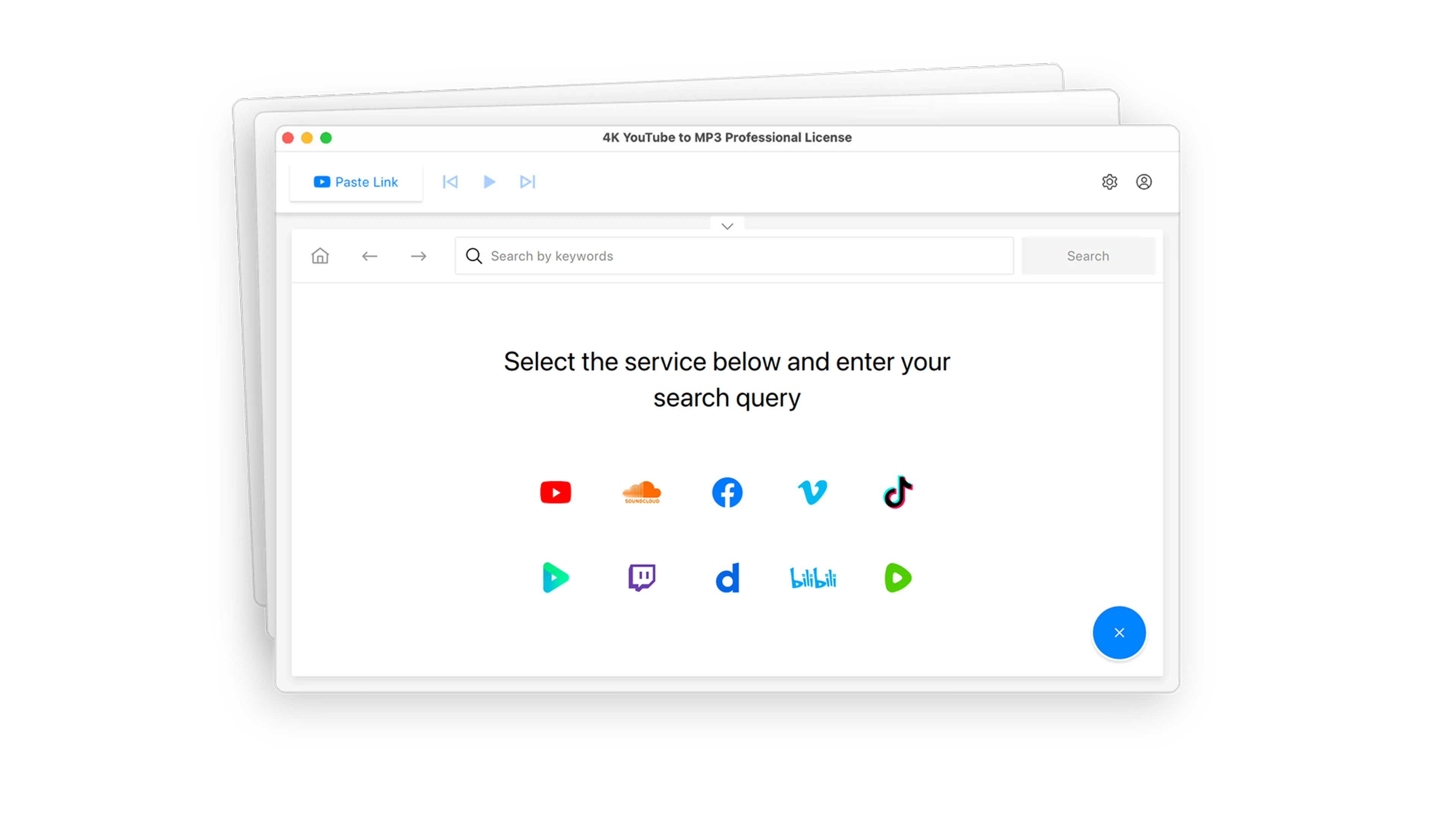
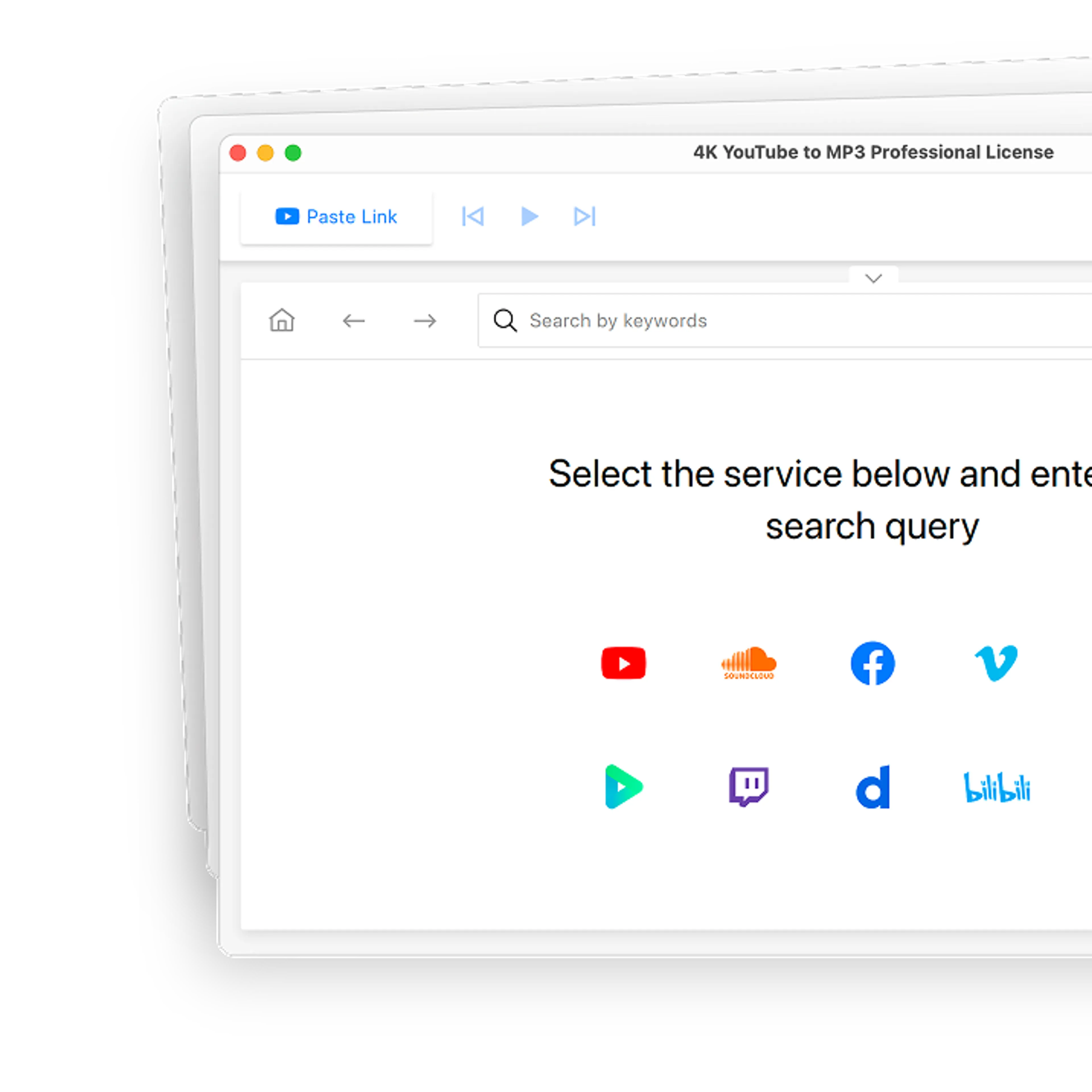
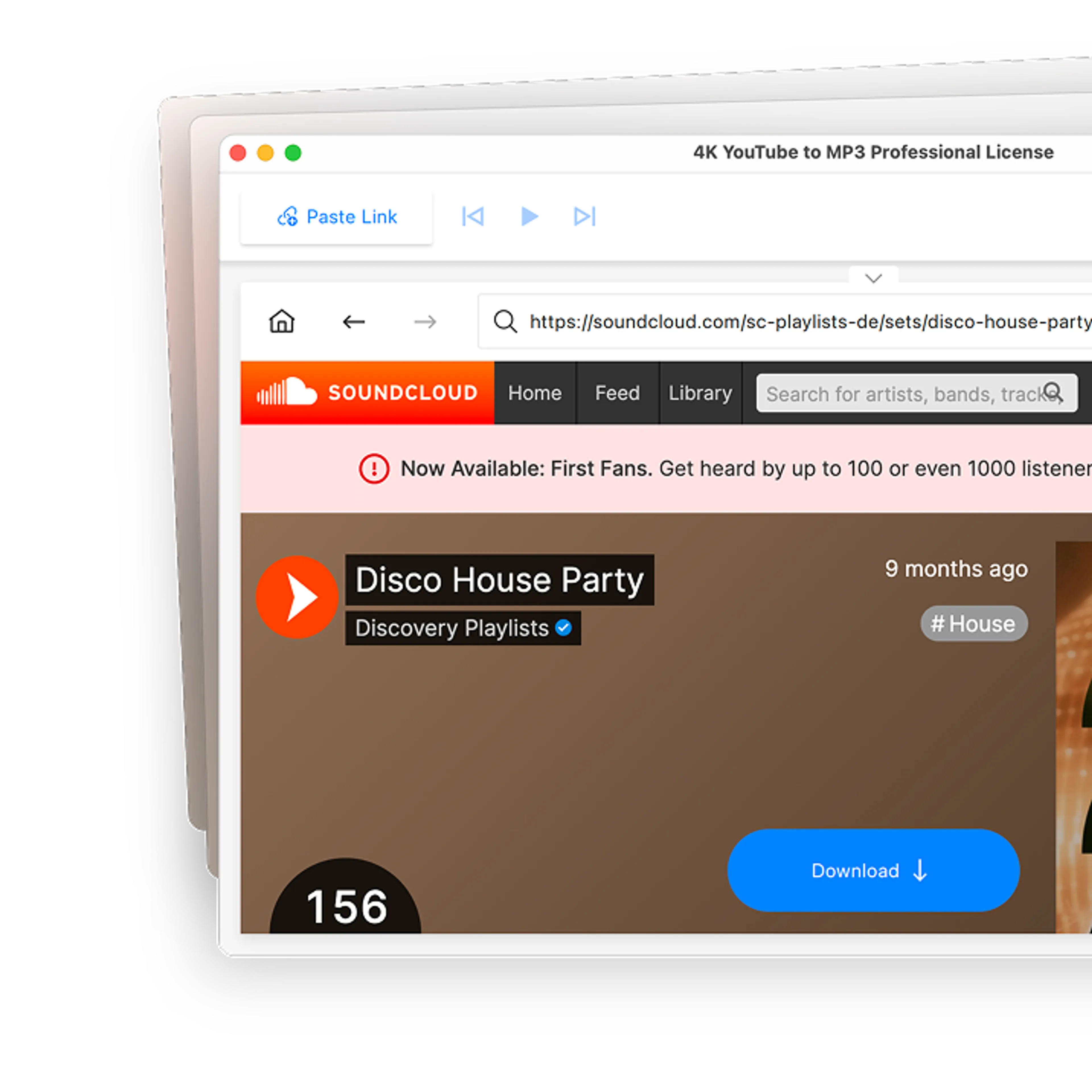
The app has its own browser, so you can search SoundCloud and download audio tracks without constantly switching apps. Find a track you like and download it on the spot.

Extract Audio from Sites Beyond SoundCloud
SoundCloud is only the start. Download audio from YouTube, Vimeo, Dailymotion, and other sites, and save full YouTube playlists and channels as MP3 in the same app.
How to Download Tracks from SoundCloud
Install and Launch 4K YouTube to MP3
Get 4K YouTube to MP3 for Windows, macOS, or Linux, install it, and open the app.
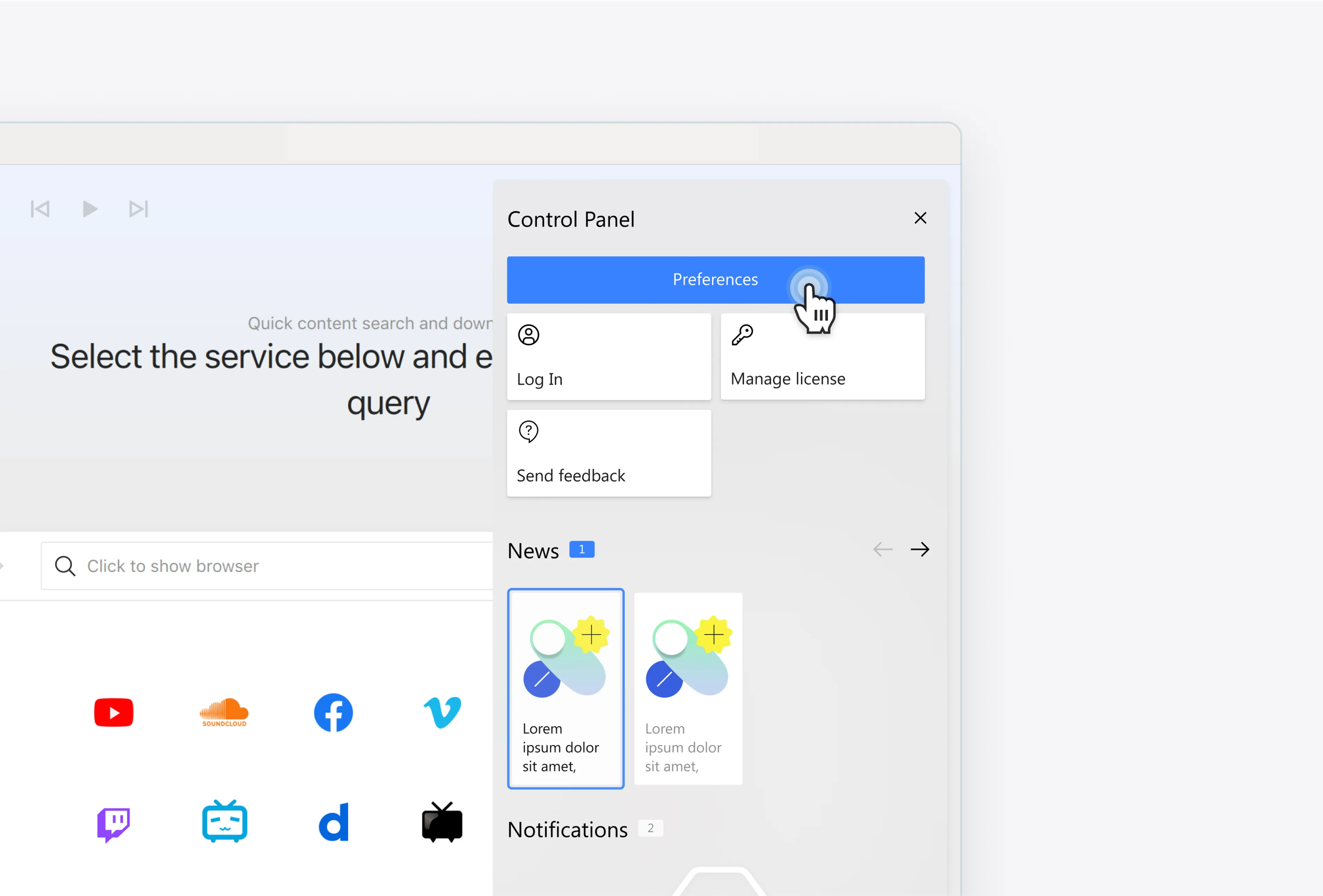
Set Your Format and Output Folder
Go to Tools > Preferences and choose your audio quality, format, and output folder before you download anything.
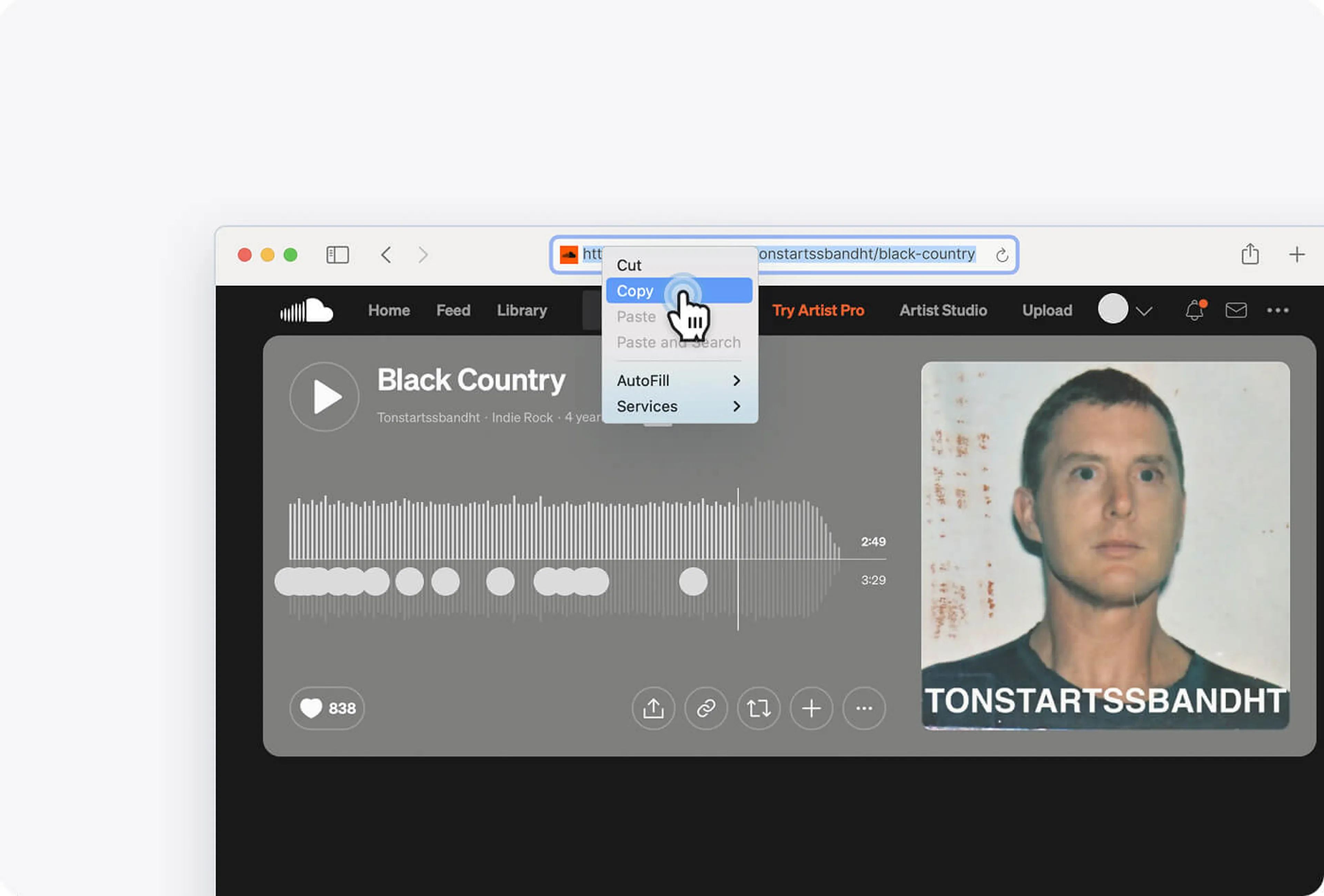
Copy the SoundCloud Track URL
Open the SoundCloud track you want to save and copy its link.
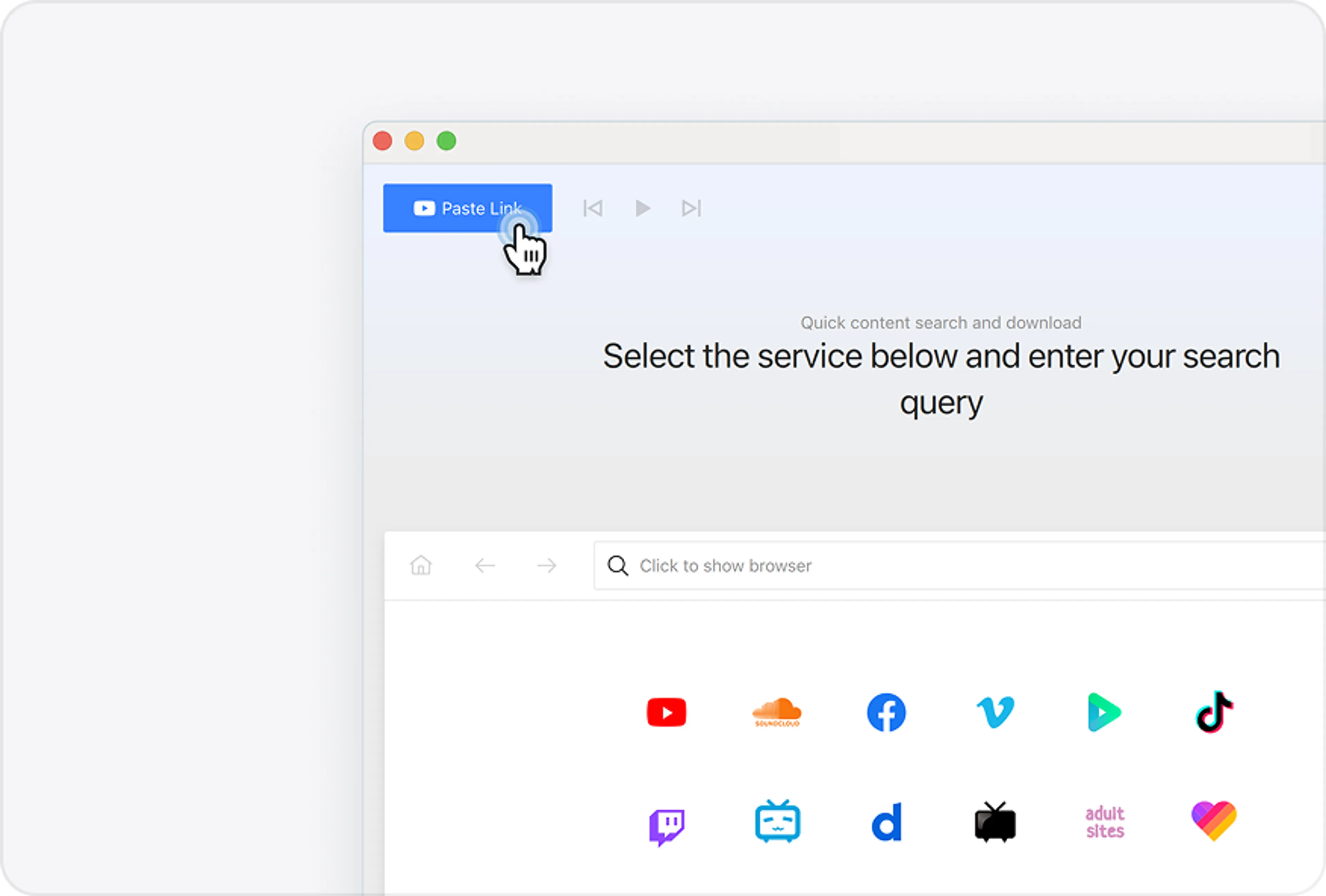
Paste the Link to Download
Click Paste Link in 4K YouTube to MP3. The track downloads right away in the format you set.
SoundCloud to MP3 Converter FAQ
Yes. 4K YouTube to MP3 is free of adware and malware, and independent antivirus scans back that up. You can check the latest VirusTotal report.
You set both in Preferences before downloading. Choose MP3, M4A, or OGG, and either a fixed tier from 128 to 256 kbps, or Best Quality, which saves the track at its true highest source quality.
Tracks go to the Output Folder set under Tools > Preferences > General. Click Browse there to pick a different folder, or click Show in Folder after any download to jump straight to the file.
Downloading for your own offline listening is generally fine, but the tracks still belong to their creators. Keep them for personal use, and don’t redistribute or re-upload anything you don’t have the rights to.
Over 60 Million Users Enjoy Using Our Apps
4K YouTube to MP3